Zinc
Send invoices to FBR, print bills with the QR code, and file sales tax.
- Live
- Web app, Pakistan
- For shops, wholesalers, factories and restaurants in Pakistan.
- zinc-ai.com
What it is
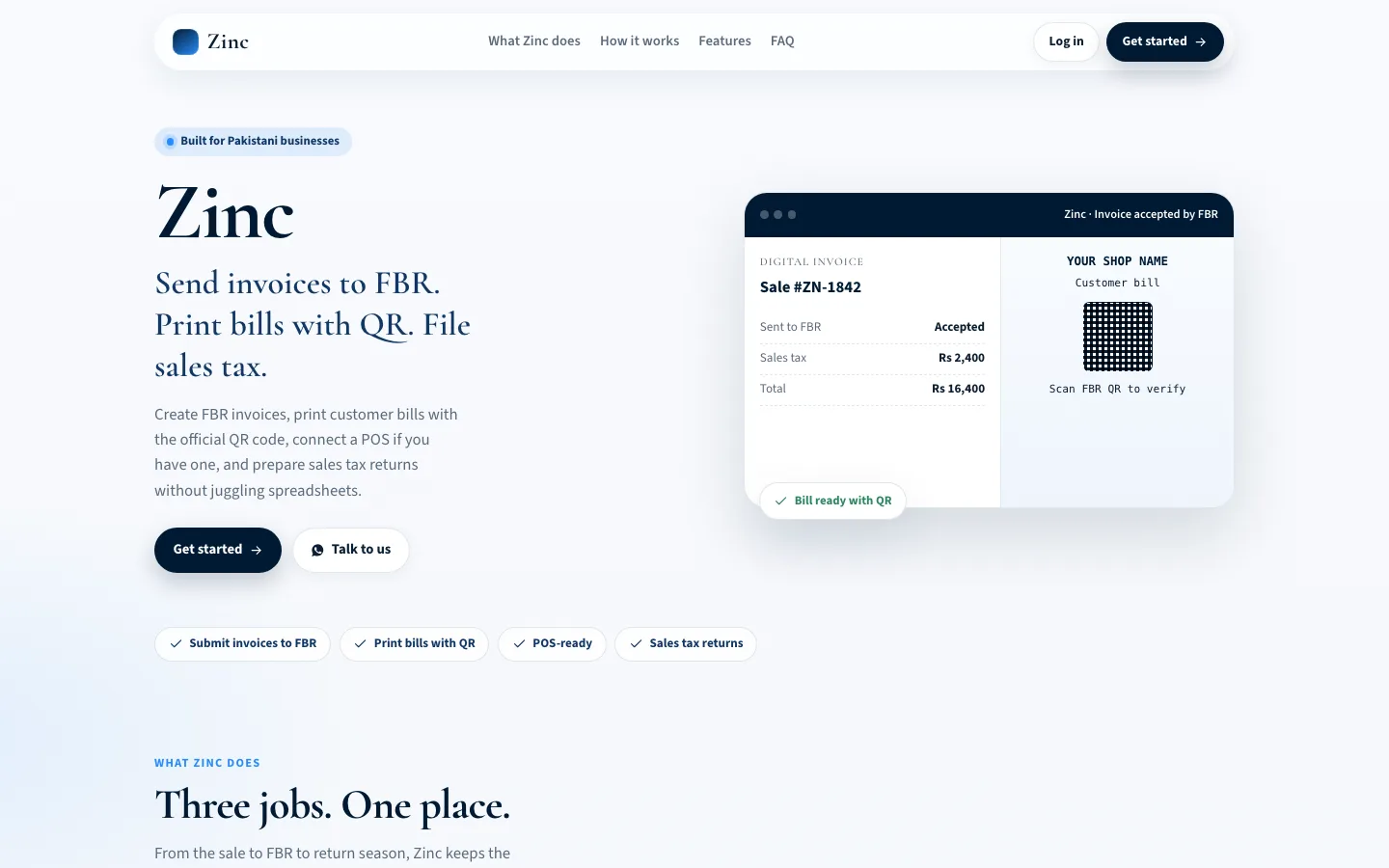
Zinc is built for Pakistani businesses that sell every day. Create a sale and submit it to FBR, and once it is accepted, print the customer bill with the official QR code, at the counter or as an A4 invoice. Keep your existing POS and send its sales through Zinc. When returns are due, Zinc builds Annex C from your accepted sales, imports Annex A purchases, and exports what you need for filing.
What was hard
- FBR first, then the bill
- A sale is submitted to FBR, and only once it is accepted does Zinc print the bill with the QR code built from the FBR invoice number, so anyone can check it in Tax Asaan or IRIS.
- Keep the POS you have
- Each company gets a secure key, so an existing POS or billing system creates invoices and sends them to FBR through Zinc. Nobody has to change how the counter works.
- The return comes from the sales
- Annex C is built from accepted sales, Annex A purchases are imported and claimed, output is netted against input, and the result exports to Excel or a print-ready summary.
- Test before it counts
- Invoices go to the FBR sandbox first and live only once the company is ready, with several companies in one workspace for accountants who file for more than one.
Built with
- Web app
- FBR IRIS digital invoicing
- POS API with company keys
- Excel export