Blurt
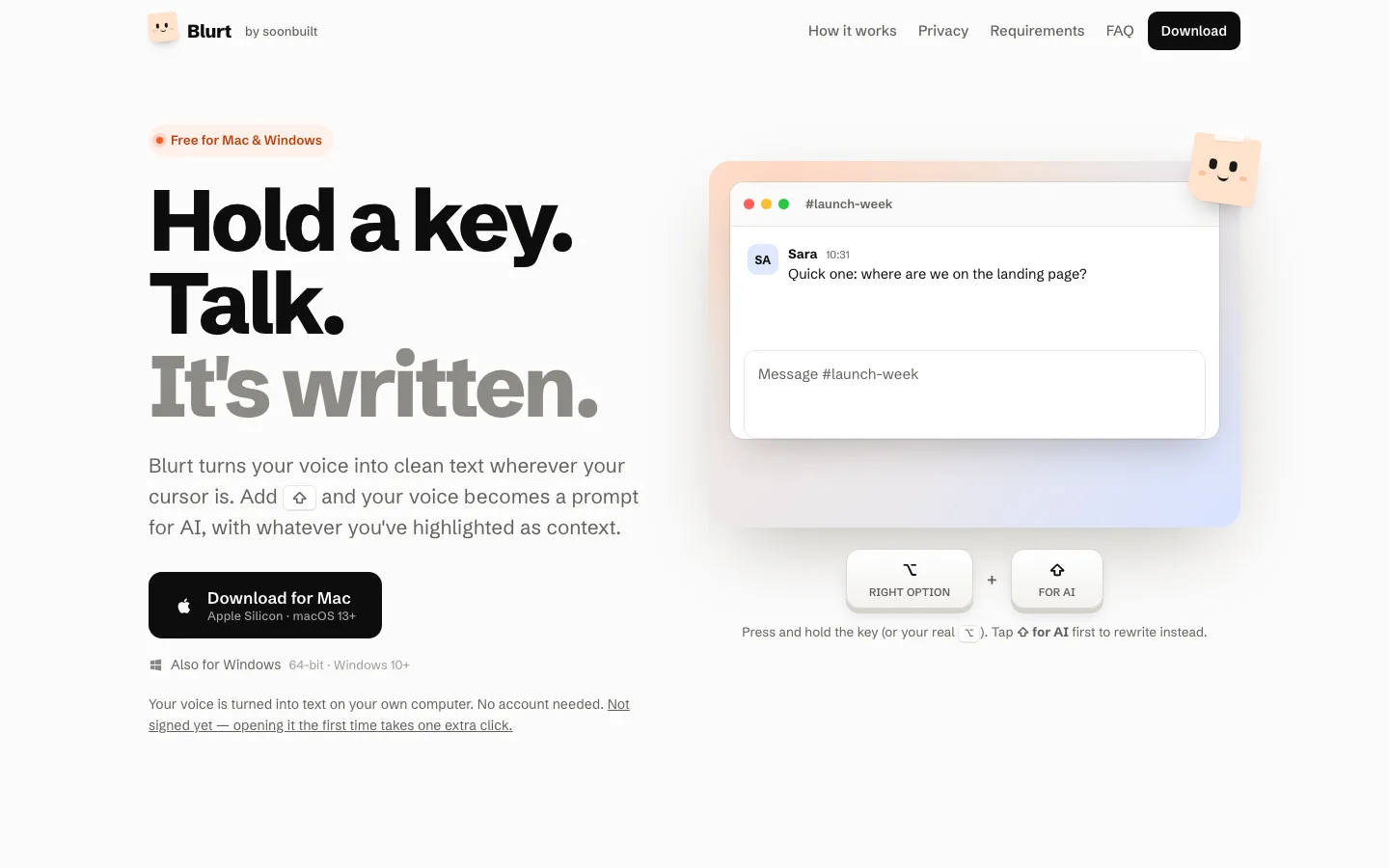
Hold a key and talk. Clean text appears wherever your cursor is.
- Live
- AI runs on your computer
- Desktop app, Mac + Windows
- Free
- blurt.soonbuilt.com
What it is
Hold one key and speak, and Blurt types clean text at your cursor, in any app. Add Shift and your voice becomes a prompt for AI, with whatever you have highlighted as context, and the answer replaces it. Speech is turned into text on your own computer, with no account needed. Free for Mac and Windows.
What was hard
- One key, two modes, nothing else
- Hold the key to dictate. Add Shift to ask AI. There is no third mode and no pop-up menu, and keeping it that way is the product decision.
- Speech stays on the machine
- Speech recognition runs on-device, so what you say never leaves your computer. AI can be on-device too, or your own key.
- Mac and Windows from day one
- Both are first-class, built and released together, rather than one being a port that arrives later.
Built with
- Tauri
- Rust
- React
- On-device speech recognition
- Ollama or your own AI key